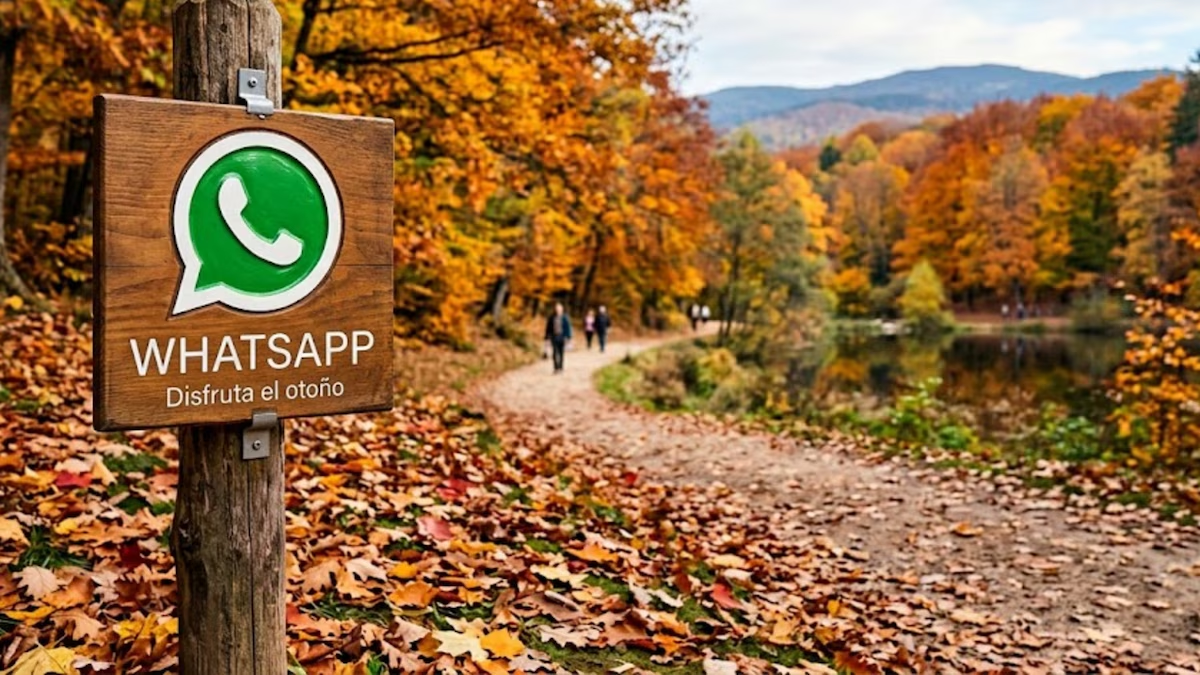
With the start of the new station it is possible to maintain daily conversations through the messaging service with a allusive detail that accounts for the change of seasonso it is important to know how to activate “autumn mode” in WhatsApp.

The second season of the year, characterized by its pleasant temperature and the changing color in nature, invites you to live it with images related to autumnwhich can be viewed in daily use of message exchanges.
To this end, those who wish activate “autumn mode” in WhatsAppyou can do it by following a simple series of steps, until you obtain the result that best suits your preferences.
It should be noted that this alternative is not an official version of the messaging service, but rather a aesthetic changewhich does not modify the internal functionalities of the platform.
How to activate “autumn mode” in WhatsApp
Those users who want activate “autumn mode” You must follow the following steps:
- Download the app Nova Launcher on Android cell phone.
- Open and set the app as default on your cell phone, so you can modify the customization layer and change the design of the main screen.
- Enter your favorite browser and search (or create with artificial intelligence) an image of the logo icon. WhatsApp with some symbol alluding to the second season of the year. The file must be in PNG and transparent.
- Return to the main screen of the cell phone and click the icon for about two seconds. WhatsApp. A floating menu will appear where you have to press “Edit”.
- There again click on the app logo, choose Applications and then Photos.
- Find the image you downloaded previously, define its size and click “Done”. This will activate the “autumn mode” on WhatsApp.

How to revert icon customization
If a user wants restore the original WhatsApp logothe process is very simple. You just need uninstall the app Nova Launcherwhich can be done from the Play Store or the phone settings. When you delete the launcher, all visual modifications applied to the interface disappear automatically.